Working from home (and building side projects) has pushed me deeper into running my own homelab setup.
For me, a homelab isn’t just about “having servers” — it’s about having reliable compute, storage, and remote access that I control, while still keeping things simple for day-to-day use.
This post is an updated overview of my current setup: the hardware I use, how it’s laid out, and the thinking behind it.
My homelab approach (simple but powerful)
My design is built around a few key ideas:
- Small low-power compute nodes instead of one massive server
- Easy remote access for me and family (secure VPN + exit nodes)
- NAS storage for large media + backups
- Cloud-first for everyday documents and email
- A small public layer for internet-facing services
Compute layer (4 nodes)
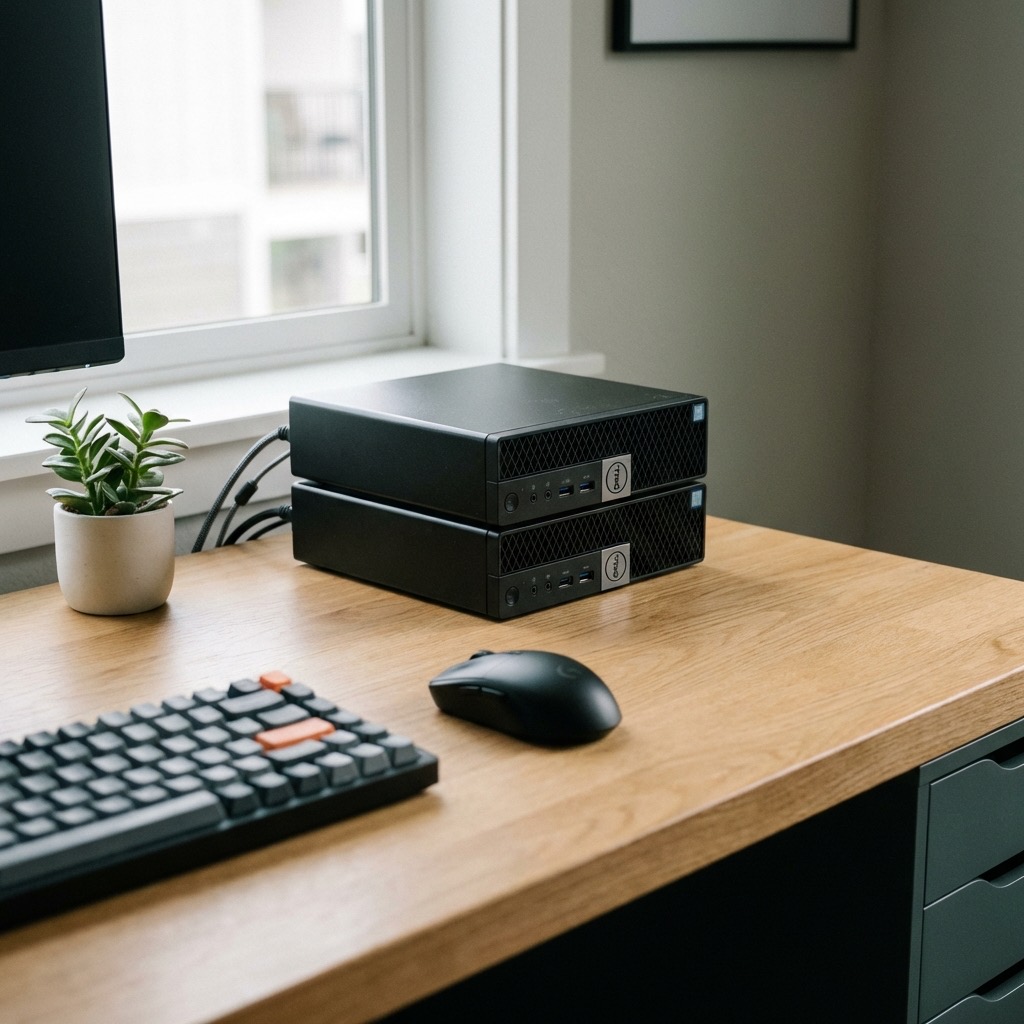
My main compute layer is made up of 4 x Dell OptiPlex 7040 Micro nodes:
- Intel i7-6700T
- 32GB RAM
- Small, quiet, low power, and extremely reliable
What each node does
I run these as “mini compute nodes” spread across my world + family needs:
- 2 nodes at home
- One is focused on my Linux workloads
- One is focused on Windows workloads
- 2 nodes used for family (parents + brother)
- Gives them an easy way to run home services if they ever want to
- Also gives me a reliable VPN exit node option using Tailscale
- Great for things like Homebridge / Home Assistant style setups
Storage layer (2 NAS devices)
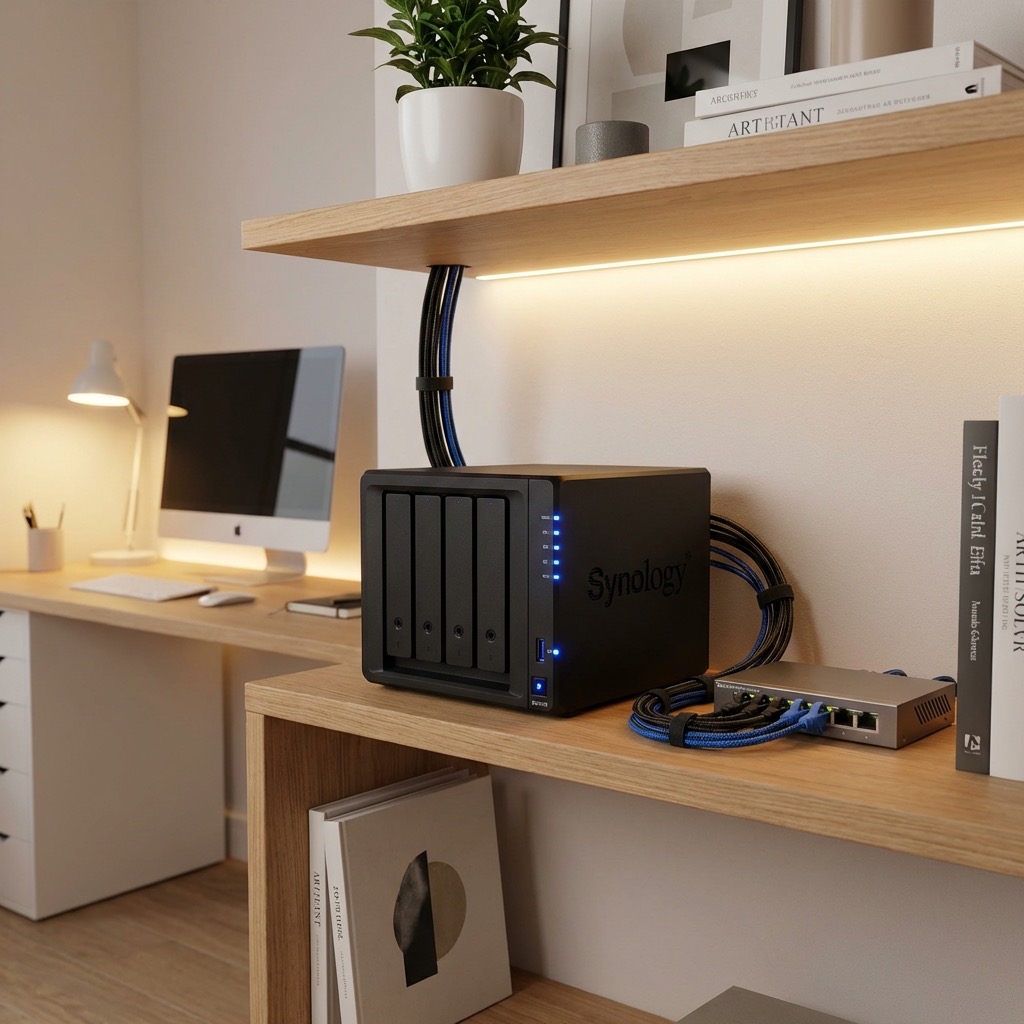
I run 2 NAS nodes:
- 1 NAS at home for my storage needs
- 1 NAS at my parents for their storage needs
I still believe in keeping storage simple:
Google Drive for daily life
For things like:
- documents
- general files
- everyday storage
I still use Google Drive — it’s simple, reliable, and works extremely well.
NAS for large owned storage
My NAS layer is mainly used for:
- large storage
- owned media
- streaming via Plex
This keeps my day-to-day life in the cloud, while still giving me control of bigger data locally.
Public-facing layer (2 small VMs)
I also run 2 small VMs that act as my public-facing nodes.
These are used for services that need to be reachable from the internet, while keeping my home network safer and separated from the public side.
Virtualization layout (home Linux node)
My home Linux compute node hosts 2 dedicated virtual machines:
- VM #1: Docker VM
- runs my Docker containers and services
- VM #2: Coding VM
- dedicated coding environment
- clean and isolated for development work
This setup keeps things separated and easier to manage (and easier to rebuild if needed).
Why I like this setup
This approach gives me:
✅ Reliable compute without needing huge enterprise hardware
✅ Flexible growth (I can add nodes easily)
✅ Great remote access via Tailscale
✅ Good separation between home, family, and public services
✅ Local NAS storage for media + bigger data
✅ Cloud simplicity for everyday documents